Switch models without rewriting your agents.
Build durable agents
that scale in production
RocketRide is the AI meta-harness for pro builders and companies going AI-native. Orchestrate fleets of agents across your business with shared governance and visibility, and run them on managed infrastructure with RocketRide Cloud.
You’ve met the problems. Now meet RocketRide.
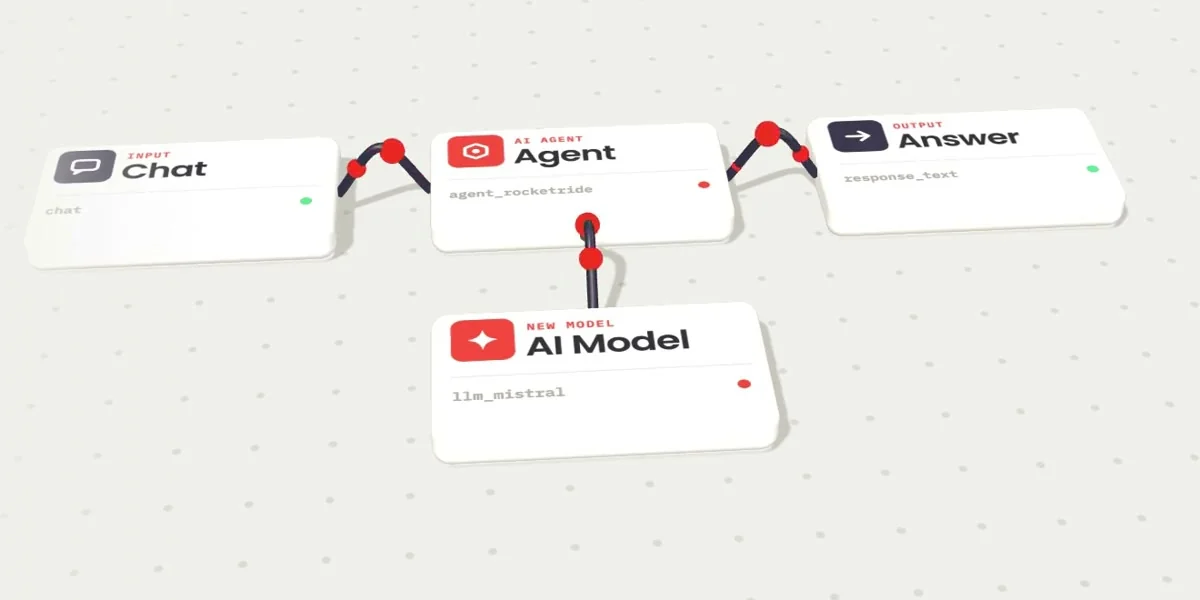
Define how agents work with tools, models and data in a declarative config.

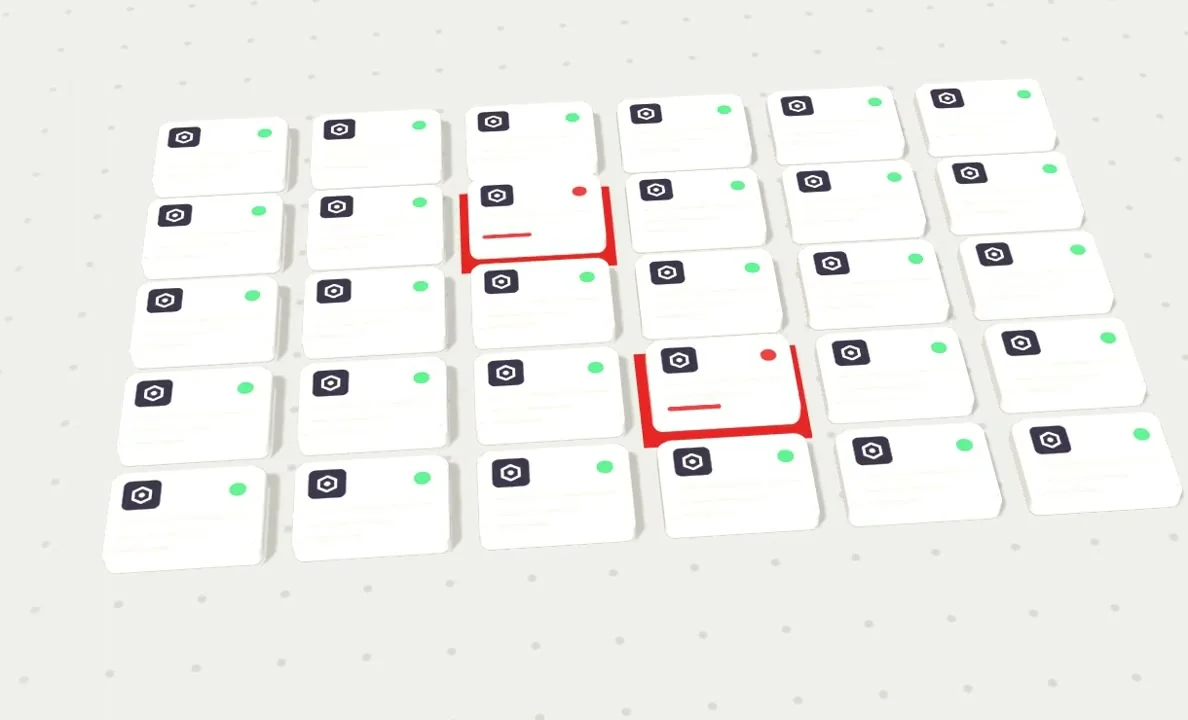
Open the run and find the exact call that failed.
See token spend by agent, user and team.

Member of
AI Agents and everything you need around them in one ecosystem.
 RocketRideAI meta-harness
Shared controls
Declarative composition
Interchangeable components
Durable C++ runtime
Extends what an agent harness does to the whole AI application.
- Agents
- Harnesses
- Models
- Tools
- Non-agentic AI
- Deterministic code
- Data
Apply shared governance, trace agent runs and attribute spend across the application.
- Observability
- Traceability
- Governance
- Tool calling
- Evals
- Cost attribution
Define how agents, AI steps and deterministic code work together.
- Define with config
- Version & diff
Choose frontier or open-weight models, keep your existing harnesses and connect tools through MCP.
- Swap models & tools
- Agent harnesses
- Data & retrieval
A multithreaded engine for agent and data workloads.
- High concurrency
- Low latency
- Fault isolation
The Software Development Lifecycle for the Agentic AI Era
Own and control your AI solutions across the whole lifecycle, with the visibility to prove ROI and keep token costs down.
Develop
One artifact, authored any way. Every provider, including your own.
- Describe what you want, not how to do it
- Everything is a node: models, data stores, tools, your own business logic
- Substrate and glue code fully abstracted
- Call your agents from your coding assistant through MCP. Run and inspect them with the CLI. Build visually in your IDE or integrate agents into your code with an SDK.
MCPConnect running agents
CLIRun & inspect
Running agentDefinition in your project
ModelsHarnessesToolsCodeData
Stage
"It works on my laptop" is where most AI work stops. One button is where ours ships.
- One Deploy button is the entire handoff
- Run the same C++ runtime locally and in pre-production
- Prepare the agent for testing without a separate rebuild, server request, or manual module matching
Local definitionEdit locally
agent.pipeModelToolCode
Deploy
Locked snapshotTest in pre-production
Same RocketRide C++ runtimeagent.pipeModelToolCode
Test
You never test an approximation of production. You test the thing that is released.
- Run the staged agent against real inputs.
- Every node, token, and call is traced
- See where it failed, what it cost, and how long it took
Agent
Model call
Tool requestFailed
Data & code
Output
catalog.lookup
InputItem: sample catalog entry
OutputLookup timed out
TimingStarted 00:04 · elapsed 2 s
UsageTokens & cost per call
Release
Going live is one button. So is going back.
- Push Deploy: ship exactly what you staged, every time
- Track published versions and see which one is live.
- Going back is the same button
Previous releasev1 · Immutable
Tested releasev2 · Immutable
StagingTested versionProductionv1 livev2 livev1 restored
Rollback points production to an earlier version.
Maintain
Most agents in production never change again. Update yours through the same release process.
- Token spend per user, per team, per org
- Keep models up to date without rewrites
- Use DVR to replay, rewind and fast-forward recorded agent runs.
- Edit nodes in place for side-by-side comparison on real data
Pick a past run. Step by request.
AgentModelTool
00:0000:0400:0800:12
Idle
Request 2 of 3 · Tool
catalog.lookupFailed
- Input
- Item: sample catalog entry
- Output
- Lookup timed out
Started 00:04Elapsed 2 s
Playback uses recorded events without rerunning the agent.